
How to Use Proxies
How to Use Proxies


4 Minutes
Learn how to use different type of proxies on Android, IOS, Windows, and browsers with or without applications easily.

If you have bought a proxy and don't know how to use them on your selected platform/OS, we will cover most of the ways you can use your proxies today in this article. The first step is to determine your proxy type and then the platform you want to use it.!
How to Use Proxies on Android
If you want to use proxies on android, you have the option of using an application (recommended) or using it with modifying the network settings.
Using proxies on android with applications
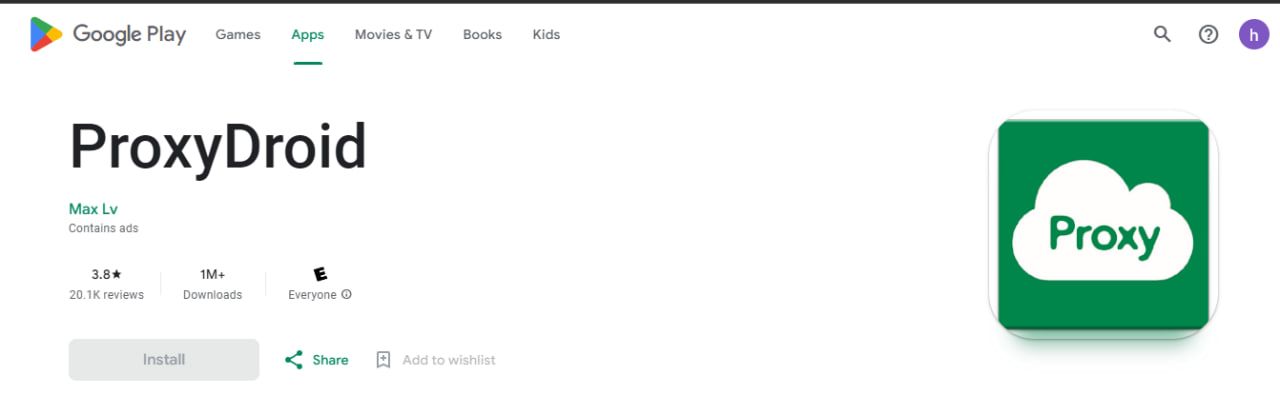 2 of the applications you can use are:
- Proxydroid
- Orbot
The easiest way to use proxies on your android device is to use applications that are designed for this purpose. You can find many applications of this kind just by searching Google Play Store. To make sure that you’re installing a good one you can easily check the rating and revie section to know more about the application and experiences of people who have installed it.
Once you found the appropriate application, download and install it on your android device. Then you should configure your proxy settings. Most of the time you need information such as proxy server address, port number, username, and password. After entering these details, you can get connected to the proxy and enjoy using it.
Using Proxies on Android without Applications
Wi-Fi If you do not want to install an application for using proxies, you can still use proxies by following some strictions, by configuring your device’s network setting. The first thing that you should do is to select a proxy server. Some popular options are Resi.gg, HideMyAss, ProxySite, KProxy, FilterBypass. When you’re selecting pay attention to the speed, reliability and the location of the server and keep in mind that the serve should supports HTTPS protocol as it’s more trustworthy. If you are looking for a reliable proxy that checks all the criteria mentioned, Resi.gg can provide you with that.
Open setting app on your android device. Tap on Wi-Fi. Long press on the Wi-Fi network that you want to use the proxy with. Tap on modify network and in advanced options section tap on proxy. Then you should select manual. In the boxes you can enter the proxy server address, port number and other details. Save the proxy.
Mobile Network if you want to use your device’s network, open settings app on your android device. Tap Nettwork, in the “Advanced” section you will find “Access Point Names”. Tap on the network you’re currently connected to then enter the details. You can test your connection after saving the proxy to your network in order to ensure that your proxy works. Open web browser and if it was successfully loaded your proxy is working properly. You can monitor your connection if you want to. That way you can make sure that everything is safe. You can use tools such as Wireshark to monitor your connection and you will know if the proxy, you're connected to have suspicious activities.
Using Proxies on iOS
Same with Android, you can decide if you want to use application or configure the settings yourself.
Using Proxies on iOS with Applications
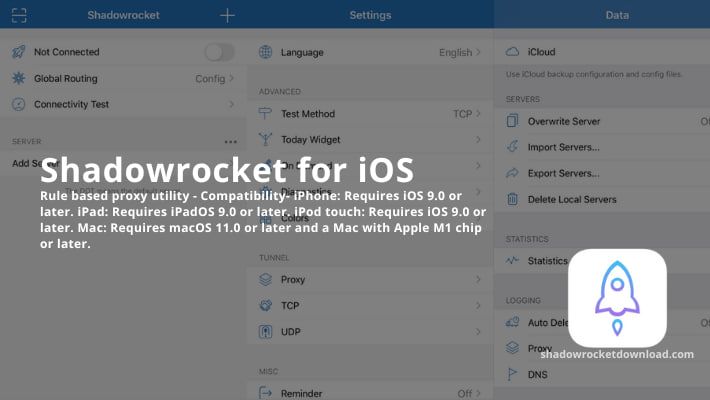 Here are some applications you can use:
- proxyman
- shadowrocket
To use proxies on iPhone, you can download an application. There are many proxy apps available on Appstore. After you chose the proper application and install it on your phone, you should add your proxy to the app. Usually you should enter the proxy server address, port number, username, and password. Then you’re connected to internet through a proxy and you can enjoy the features that proxy provides you such as more privacy and security.
Using Proxies on iOS without applications
If you’re not willing to download and install an application to use the proxy, you can still use a proxy by configuring your device network settings. First of all you have to select a proxy server. There are many free and paid proxy servers and you should choose between them as mentioned in the previous section. Keep in the mind that the proxy server should supports HTTPS protocol as it’s the most secure protocol. In addition, pay attention to details such as the location of the server, speed and reliability.
To use the proxy, you should configure the device’s network.
- Open settings app. Tap on Wi-Fi. You can see (i) just near the Wi-Fi network that you’re connected to, tap on that. Scrolling down, there must be “Configure Proxy”
- Select manual and enter the information that you have such as proxy server address and port number.
Test your connection to make sure that your proxy is working properly. For this purpose, open the web browser and if it is able to load a website, your connection is working. It’s better to monitor your connection as well due to security measures. There are tools for making sure that your network traffic does not contain any suspicious activity such as Wireshark.
Using Proxies on Browsers with Extensions
you can find useful extensions that suits your needs for browsers like Chrome, Firefox and Safari. After installing one of the extensions open settings and configure it. We suggest SwitchyOmega which is an opensource extenstion.
You need to enter the proxy server address, port number and other details. To enable the extension in your browser you need to find its icon in the browser's toolbar. Its color will probably change as soon as the proxy is connected. you can now browse the web enjoy your extra layer of privacy and security.
Using Proxies on browsers without Extensions
Most browsers let you to use proxies with no need to install an extension. Open the setting in your browser and look for “proxy” or “Network” section. Then you need to enter the details such as proxy server address, port number. You may also need to specify the type of proxy there. Save the changes and no you can browse web through the proxy.
Using Proxies in Python
Using proxies in scrips and programs with programming languages should be a fairly easy task, here we will demonstrate how to use your proxies in Python:
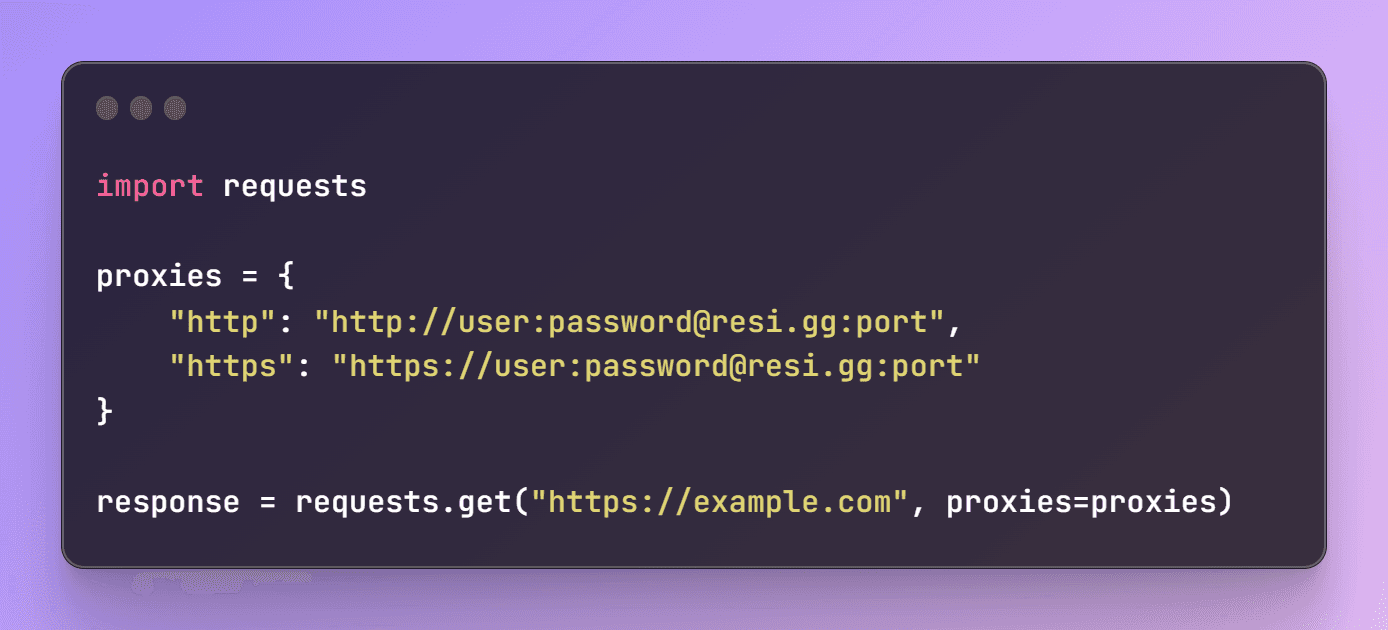
- First, you need to install requests library by using pip install requests
- Then we are using “import requests” to import the library
- We then define the proxy server address and port number as a dictionary
- Make a HTTP request using: "response = requests.get('https://example.com', proxies=proxies)" Keep in mind that you should always find a reliable proxy in order to prevent cyber-attacks. You can securely use proxies available on Resi.gg and take no risk. Following these steps, you can use your proxy without any worries and enjoy the restricted content, more privacy, anonymous IP and not being tracked by websites for advertising purposes.
Tags:


Popular Articles
Unleash Online Freedom with Us
Discover our premium proxy plans that will revolutionize your web experience. With cutting-edge technology, unbeatable reliability, and limitless possibilities, our proxies are your gateway to unrestricted access, enhanced security, and lightning-fast browsing. Join our satisfied community and subscribe today to unlock the true power of proxy services.